
How we protect your data
As Gemini becomes more capable, we continually advance our security defenses. When you assign Gemini a task, it uses Google Cloud’s Agent Compute Engine to work in a hardware-isolated virtual machine that’s dedicated to your account and never shared with other users. Each virtual machine is sandboxed, so Gemini works in a separate, isolated environment that’s regularly tested by our security red teams. This sandbox is just one of multiple layers of defense, including prompt-injection filters that scan search results, webpages, and more alongside Google Safe Browsing to limit which links Gemini can open.
As Gemini works on a task, you can jump in to give it more instructions at any point, and it’s also designed to pause and check with you before critical steps. For example, Gemini is designed to ask for your confirmation or pre-approval before clicking "Buy," and will ask clarifying questions if an instruction is ambiguous. For routine stuff you already trust, like adding those Cheerios to your grocery cart, you can set that to “Always allow” so it doesn’t pester you.
And finally, we give you access to settings and tools that help you safeguard your data and protect your privacy. You can adjust task settings, disconnect Google and third-party apps, or delete chat history anytime. For a closer look at how we’ve implemented a multi-layer defense-in-depth security strategy, read our technical paper.
And please participate in our bug bounty program through Google’s AI Vulnerability Reward Program (AI VRP) to advance the security of agentic systems.
How you can help us improve
While we’ve tested tasks extensively to minimize mistakes, we haven't eliminated all of them. You may encounter situations where a task fails to complete or misses the mark. When you see this, please provide feedback by giving the response a “thumbs down.”
For example, the way personal assistants navigate the web is still evolving as sites are still adapting to these new use cases. On some sites, Gemini can make it most of the way through and then hand the screen back to you to click the final button. We’re partnering directly with major websites and security providers to help the web evolve so it works well for site owners and personal assistants. For decades, bots were blocked by default because most were malicious. Personal assistants require a more nuanced approach, and we believe open, verifiable standards will benefit everyone.
How to try it
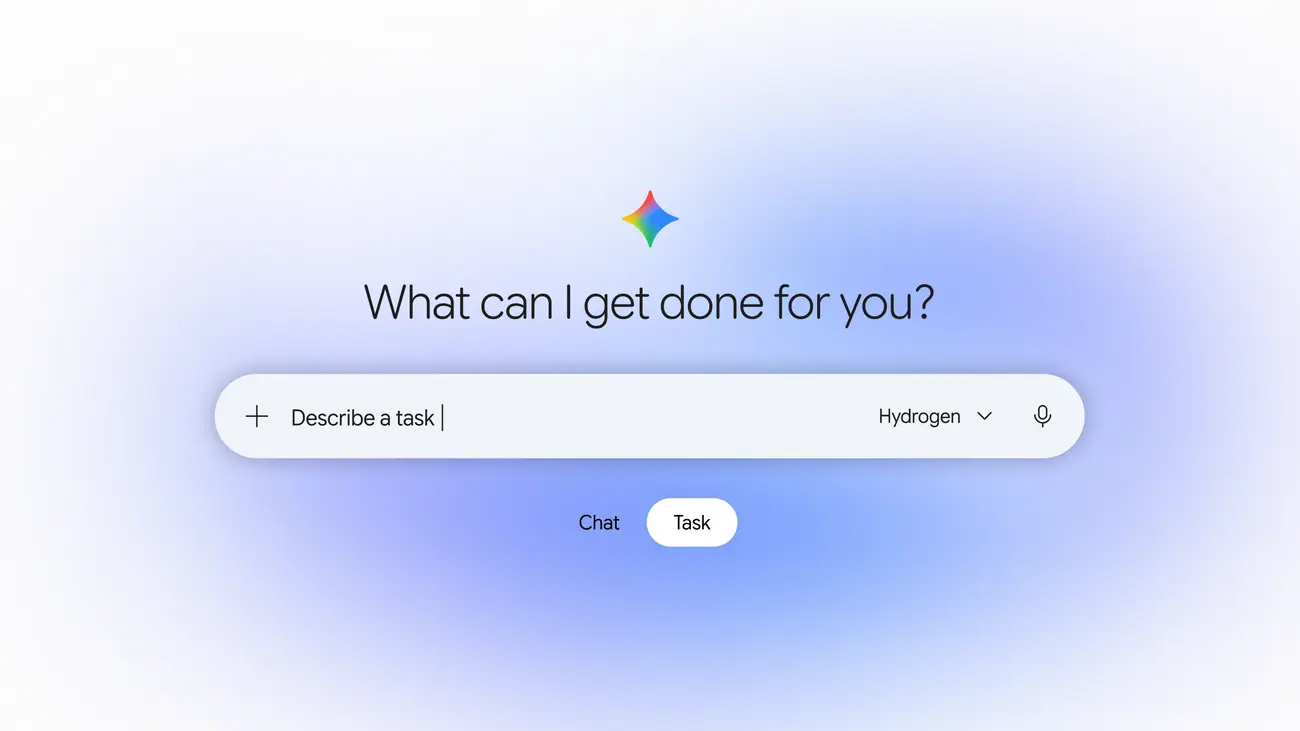
Ready to hand off your next task? Open Gemini, flip the home-screen toggle from Chat to Task, and tell Gemini what you need done. Starting in the U.S., you can also forward emails to gemini@google.com or text Gemini by following these instructions:
- Open Gemini on Android or iOS and tap Settings
- Tap Channels
- Tap Set up under Text with Gemini
- Verify your phone number