
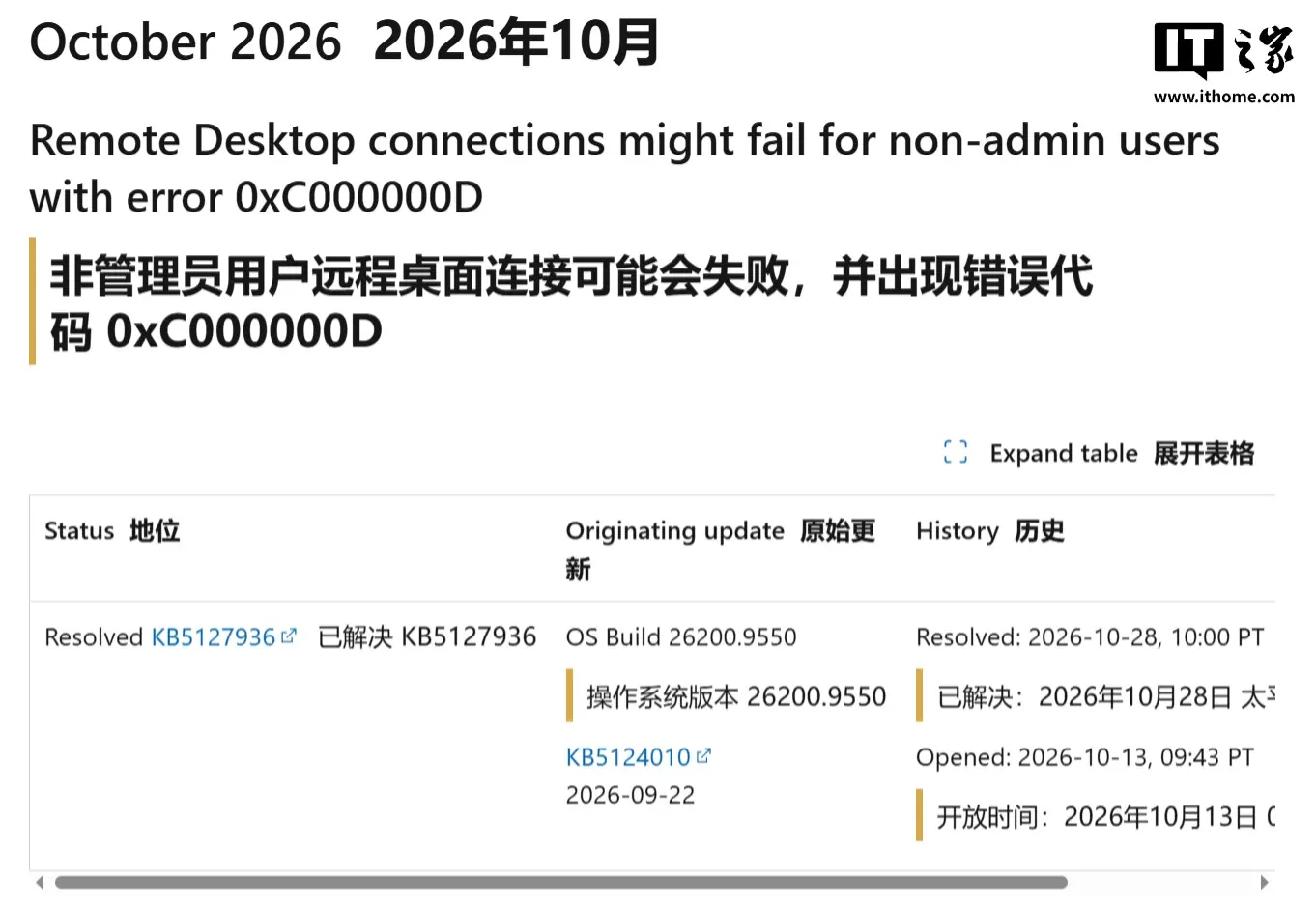
IT之家 10 月 30 日消息,科技媒体 bleepingcomputer 昨日(10 月 29 日)发布博文,报道称微软已通过 10 月可选更新 KB5127936,修复了 Windows 11 远程桌面连接报错 0xC000000D 问题。
IT之家曾于 10 月 15 日报道,微软承认在启用“管理员保护”功能的 Windows 11 设备上,若用户安装 10 月累积更新,可能会出现远程桌面(Remote Desktop)连接故障。
“管理员保护”是微软为 Windows 11 引入的底层安全架构功能,主要用于解决管理员权限被滥用或盗用的核心痛点,启用该功能之后,在执行任何需要管理员权限的操作(例如安装新软件、更改系统时间或注册表)时,强制要求用户先通过 Windows Hello 的集成身份验证来确认身份。
在启用“管理员保护”的 Windows 11 设备上,非管理员用户尝试使用远程桌面连接到这些充当主机的设备时,连接可能会失败。系统通常会弹出 0xC000000D 错误代码,并显示“传递给函数的令牌无效(The token that was passed to the function is invalid)”的提示信息。
根据最新官方公告,微软于 10 月 28 日发布的 KB5127936 可选更新已修复该远程连接故障,并建议用户尽快安装最新安全更新。
相关阅读: